


david
-
Content Count
1,256 -
Joined
-
Last visited
-
Days Won
22
Posts posted by david
-
-
1 minute ago, Hook said:
Wait until you find out I don't use gestures.


I don't either, as can be seen in my screenshots. Always frustrating when I pick up a phone that has those enabled. *grumble*
-
 1
1
-
-
1 minute ago, Hook said:
Yes, you can search for apps by name either by typing on the home screen or by hitting home (circle) while on the home screen. I rarely need to because my 90% apps are on my three home screens nicely organized. And, yes, you get the app drawer by pulling on the bottom of the screen.
Considering that, I don't know why I couldn't use Nova. Sometime when I have more time, I will try it and see why I couldn't use it. Does it allow grouping icons?
-
1 minute ago, EskeRahn said:
Here a sketch

Oh, are you using some sort of split screen mode so you can see 2 apps side by side?
-
-
4 minutes ago, EskeRahn said:
Well on the Pro1X ii get something similar to what hook showed above, oddly stretched/squeezed
I *think* my icons are the same size in either direction, but I can't be sure. No labels in landscape, of course.
-
2 minutes ago, EskeRahn said:
Swiftbackup is a likely reason 🙂
I miss the function of it rotation the two halves on Pro1X
On my home screen, in landscape, I have 3 rows with 4 icons across (not counting the special ones that are present on every home screen). If I rotate it to portrait mode, I get the same 3 rows and same 4 icons in the same order. Is that what does not happen on your Pro1X?
-
5 minutes ago, Hook said:
I guess I don't have problems with Nova on the Pro1 and Pro1x
We won't kick you out of the club for using it. Well, guess I should only speak for myself. You know how those Danes are. 😁 (*waits for the response from the Dane*)
With Nova, how do you search for apps by typing the name? And does it have an app drawer that you get to by pulling up on the bottom of the screen?
-
20 minutes ago, EskeRahn said:
AFAIK the QuickStep apk from the Pro1 does NOT work on the Pro1X. If you got it working I would certainly be interested in how.
I thought there was a chance it came over when I did a backup and restore with swiftbackup. Or maybe just its settings. Either way, I am using QuickStep on the Pro1X. Is there some difference you noticed on QuickStep for the Pro1 vs Pro1X?
-
 1
1
-
-
1 minute ago, EskeRahn said:
The one that comes with the Pro1 is very simple BUT have the IMHO ingenious detail of grouping in two halves and rotating independently, making it VERY suitable for switching between landscape and portrait in modern more or less 2:1 phones.
It is the ONLY launcher I've seen that does a good job at that at all!!! For others it either looks like sh... in one direction OR you have to manually handle what icons you want in both landscape and portrait independently.
This may be why I had to go back to quickstep (because the others didn't handle rotating well). Or it could have been they didn't have the pull up and search for an app functionality. It was too long ago now for my brain to remember.
-
 1
1
-
-
12 minutes ago, Hook said:
It would be easy enough to grab another launcher to test Quickstep. I never used Quickstep. always immediately installing Nova Launcher.
Are you running anything that is CPU intensive. I can see that achieving what you are experiencing if there is a sudden pull of CPU resources that essentially kills multitasking for 30-40 seconds. This probably would be less likely to show up on the Pro1 given the same apps running. I'm just trowing stuff on the wall. I'm no expert here.
I am stuck on my quickstep. I have tried others, but always come back to it. But for testing, I could do that to see if it is implicated in the freeze, if the other options fail to uncover the time thief. 😁
It can happen when I am not doing much of anything. Now, something in the background could be spiking the cpu without me knowing it. To me it seems like something that is trying to do something, failing, and waiting for a timeout.
I'll report back when I have time to do some testing.
-
1 hour ago, EskeRahn said:
Could be. I would start with any app that requires the phone to be rooted,
A normal dumb app should not be able to freeze the phone that long, AFAIK.
But with sufficient privileged granted, it might. Also look for any "accessibility" apps as this is sort of a light rooting....
That was my plan -- to start with those that require super user. They are listed in the magisk app and su can be removed from them there. I have about a dozen or so. And none of them are critical for day to day use, so I should be able to test it fairly easily.
If that doesn't work, I will find an app to show me running processes/apps, and after a freeze, I will capture what was running (especially those running hidden in the background that I didn't launch). I can try disabling some of those.
Of course, it isn't an issue I can reproduce, so it might take some time to track down the culprit.
I sometimes get the error that the system UI isn't responding (this isn't when it freezes). I hope it isn't something about the version of quickstep app on the Pro1X. If that were the case, I would think more people would have this issue though.-
1
-
-
Seeing as how over 100 people have viewed this and nobody has commented that they have this issue, maybe it is an app that is doing it and is more unique to me. I might have to try disabling apps to see if it goes away. It has happened since I started using my Pro1X, but I brought over a lot of apps from my Pro1.
-
 1
1
-
-
I think I saw others report this quite a while ago, but I couldn't find posts referencing it through the search function. My Pro1X will freeze for 30 to 40 seconds from time to time. I would guess it happens 1 to 3 times per day. No buttons respond when it is in this state. When it comes out of this state, everything works.
This is with a rooted phone, running the stock android OS.
Do others have this issue? Has anyone found a cause/solution?
-
2
-
 1
1
-
-
I believe this is the one I was using on my Pro1X:
https://www.apkmirror.com/apk/google-inc/camera/camera-8-7-250-494820638-44-release/-
1
-
-
On 8/14/2024 at 6:05 AM, FlyingAntero said:
Edit: Pro1 and Pro1-X are more different than I first thought so you cannot swap parts that easily.
Differences identified so far:
...
Screen panel with the frame
- Same screen panel and frame but the selfie camera different (source)
The screen flex cable on my Pro1X went bad (and no response from [email protected] about a replacement). I am using the flex cable from my Pro1. The screen works, but the GCam and snapdragon camera apps crash whenever I run it. My assumption is it can't communicate with the selfie camera through the cable for some reason (missing/different wire paths), even though the cable plugs into the ports on each end successfully. I am able to use Open Camera, but there is no way to take a selfie with it. I am guessing it is gracefully failing to communicate with the selfie camera. Open Camera, with this phone, doesn't take nearly as good pictures as the GCam app does. It also freezes the camera view if you try zooming in. I don't know if that is due to the cable issue or just a bug in Open Camera with this camera hardware.
-
1
-
1
-
45 minutes ago, CornholioGSM said:
I am now inside testing - charged to full - lineage batt info shows approx 2900mA after full charge.
Great job! What was the mAh showing before the swap? And does the new battery show the same specs on its packaging as the old one? What was wrong with the old one?
-
10 minutes ago, Rob. S. said:
Just came in by email:
Accessories:
We also like to mention that we have started shipping the Accessories Bundles. However, we are no longer able to include the spare batteries in these shipments as they have been in storage for a while and may not perform optimally. Instead, we’ll be replacing these with Fxtec earphones with adjustable eartips.
I saw the email. Very disappointing regarding batteries. If the bundle a person paid for is batteries, then replacing them with earphones doesn't really help. I doubt the storage story as well.
-
1
-
1
-
-
On 8/8/2024 at 4:19 PM, CornholioGSM said:
Question is, if tested mi battery works really correctly.
Electronics inside battery communicates with qualcomm charging ic in phone.
Connection will be Positive - Negative - Data(id) - Btemp i mean.
..
I tested the Mi 6 battery with the Pro1 phone and it ran off that battery fine. I don't remember if I tested charging the Mi 6 battery through the phone. At the time, I didn't have a working usb port. I have since received a working usb port. The phone is still disassembled, but I had to rob the screen/selfie ribbon cable for my Pro1X. Therefore, I won't be able to use the pro1 screen to see the current charge.
I could probably test charging the battery through the USB port by getting the current charge from my external charging board and then try to charge it from the phone connector and USB port and check the charge later back on the external charging board to see if it increased.
Let me know if you would like me to try that, @FlyingAntero.-
1
-
-
I posted this in another thread, but it is relevant here too. The Pro1X connector is compatible with the Huawei P9 phone's battery.
-
On 6/3/2023 at 5:03 PM, EskeRahn said:
This is awesome news! David. Tanks.
The big question is what connector the Pro1X uses, as they say the batteries are incompatible - but that might be the physical shape or the position of the connector, not the connector it self.We really need something to fairly easy charge the Pro1X, unless they by firmware can fix that the Pro1X does not shut down in time, but can deplete it self.
I don't know if anyone else has found the answer to this in the past year, but I now know what connector the Pro1X battery is compatible with. I had to disassemble my Pro1X for a non-battery related issue (bad display ribbon cable). It is a Huawei P9 connector. That may be used by other phones too, but that is the label on one of my charging boards. You can see this as port 24, on the green charging board, in the image in the second post in this thread. My other charging board, the blue Sunshine SS-909, also has this connector on the board labeled C1. It is the 3rd port from the bottom (when C1 is upright and the micro USB port is at the top). You can see this board in one of my posts from June 3, 2023, in this thread.
I did have to drain the battery down a bit before the green board would charge it. That one doesn't charge these batteries all the way to capacity, thus considers the charging done before reaching full capacity. The fancier Sunshine board charged it just fine. The Sunshine board also worked with 3 different USB chargers. I believe the green board wouldn't charge it with an old, 500 mA USB charger, even once the battery was depleted enough to allow charging with that board.
For anyone else using that green board, or a similar board, if the battery is too full for the board or your USB charger isn't compatible with it, here are the symptoms: You'll see the voltage of the battery displayed on the LED panel once you connect it, but you won't see a current value or a jump in voltage when you plug it into a USB charger.
Heading out of town, but I will try to add some photos when I get back.
-
3
-
-
On 5/21/2024 at 3:03 AM, EskeRahn said:
Labels are there in both landscape and portrait with the default QuickStep launcher on Pro1. But not so on the (different) QuickStep on the Pro1X.
That would explain it. My guess is when I migrated from my pro to my pro1x, the settings for quickstep came along. So even though you can't set it, the behavior was still able to work on the Pro1X. Either Google's built in backup had the setting, or my restore from titanium backup did it.
-
1
-
-
I have been trying to get the ChatGPT app to work on my rooted Pro1X. For a while now, it would show as unavailable in the Play Store (presumably because it is rooted, as per online sources). Today, I saw that it was finally available. However, after installing it, when I try to log in, I get an error "Something went wrong". It also mentions checking the date and time, etc.
When trying to get this working, I somehow reset something (I was resetting Google play store and play services and various other settings that others online have done in order to get the app to work). Now, when I am in landscape mode, the labels don't show on the home screens. I'm pretty sure I have had labels in landscape mode before, but I could be wrong.
Do other people have labels in landscape mode, using stock android, with the Quickstep launcher?
If you do, do you know how to enable and disable them?
Bonus question: Has anyone succeeded in installing and logging into and using the ChatGPT app on a Pro1X?-
1
-
-
Continued from previous post...
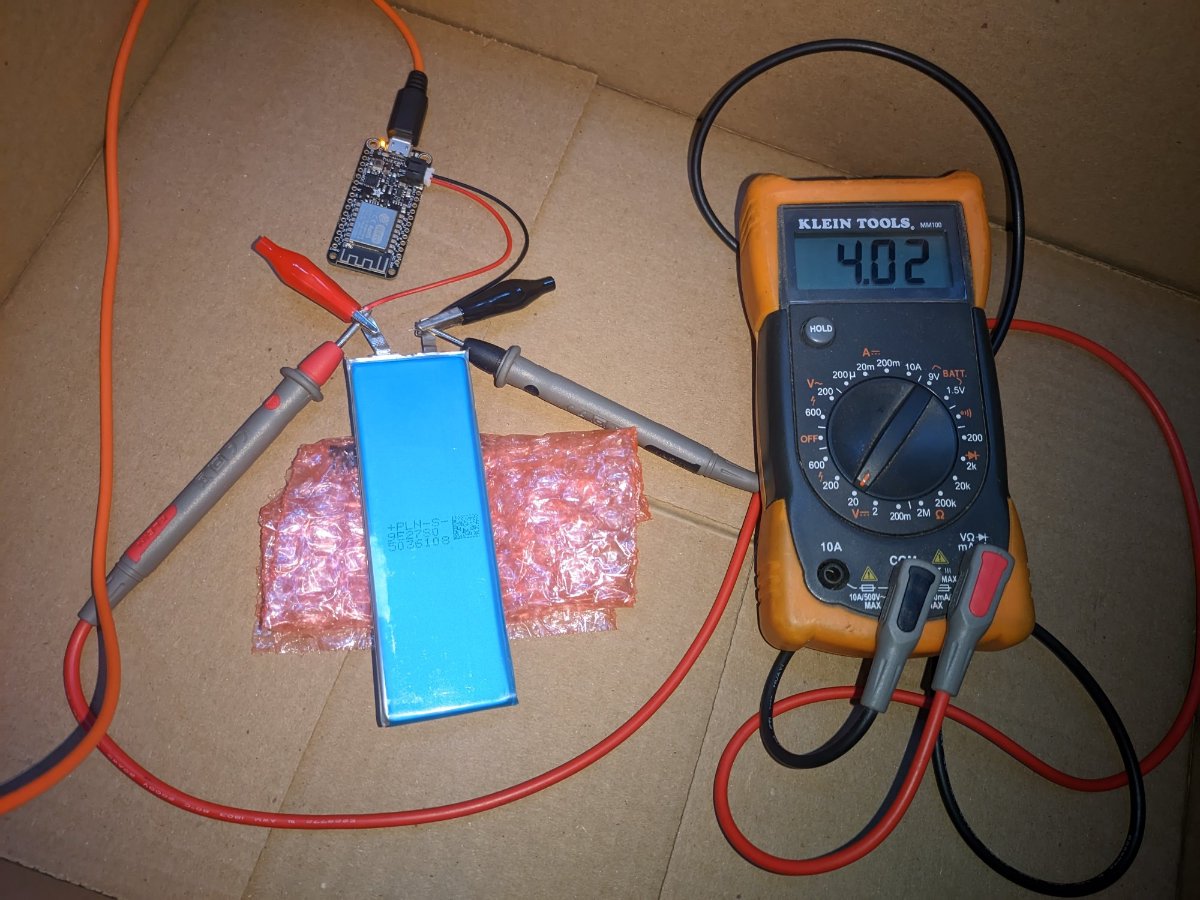
Voltage up to 4.02.
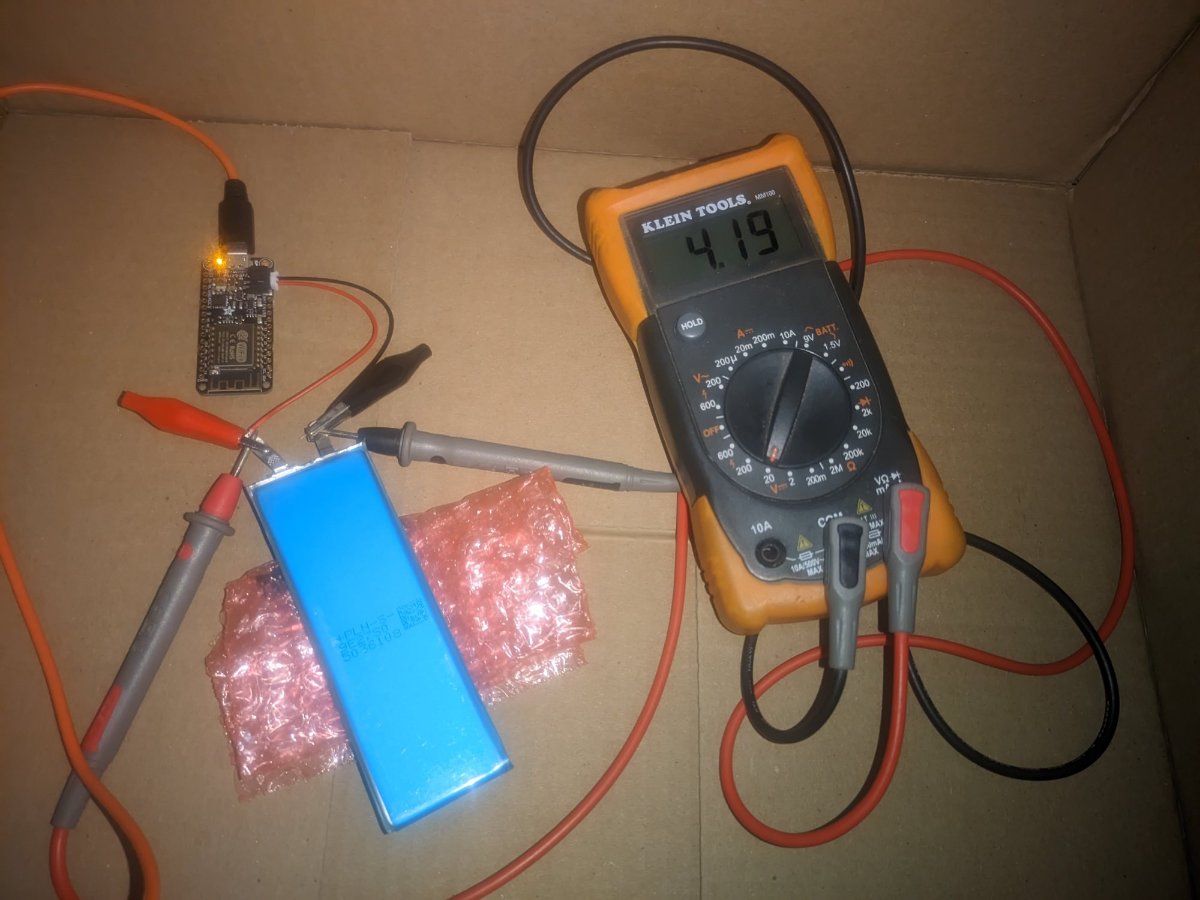
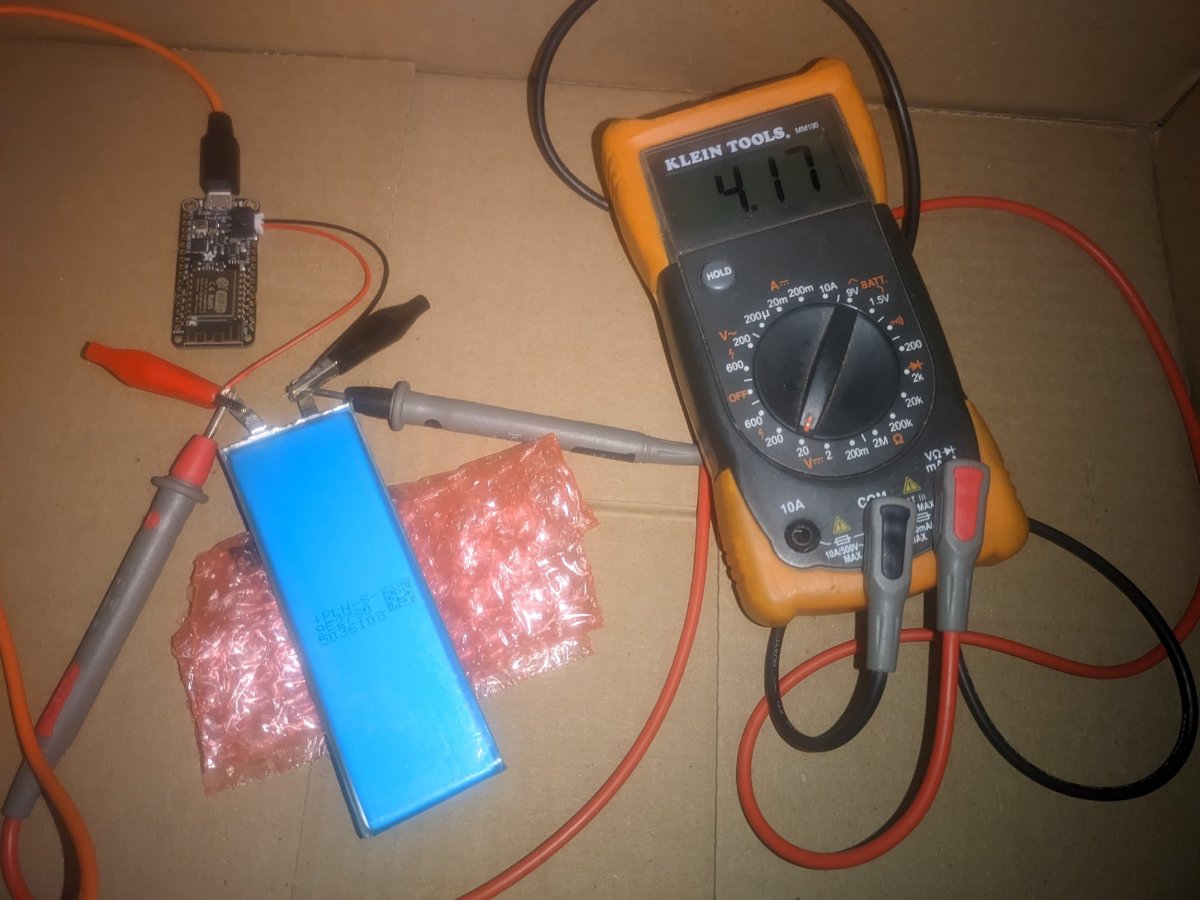
And finally reaching 4.19.
After being at 4.19, the board continues to run, but the charge light goes out. I think when the light is out, it might still be trickle charging to the battery, with constant voltage and lowered current. I say this, because the reported voltage on the voltmeter was still 4.19, yet when I unplug the USB charger from the wall, I get this drop to 4.17 volts. It is also possible that drop is simply from the load of the board on the battery.
Either way, it shows that the battery is able to be charged to pretty much the full capacity of 4.2 volts, which was the point of the exercise. I'll use this board to bring the batteries back to 3.8 volts every half a year.
I'm currently running the board off the battery to get it back down to 3.8 volts and to see how long that takes.
My next step might be to move a BMS board from an MI 6 battery to this one and see if I can power my Pro1. I have some other projects to attend to, so that might not happen for a while.-
3
-
1
-
-
A little more hackery and results regarding the batteries...
Note/Reminder: We are dealing with raw LiPo batteries (no built in battery management system (BMS) protection circuit). These are a dense source of energy. Fires, explosions, and toxic fumes are possible. Don't cross the streams! (don't short circuit the positive and negative tabs on the batteries)
I ordered an Adafruit Feather HUZZAH (https://www.adafruit.com/product/2821). This can run off a 3.7/4.2 volt LiPo battery, like our phones do. And, more importantly, it has a smart charging circuit, so it can charge the battery up to 4.2 volts in a way that is proper for LiPo batteries. It does this when plugged into a USB charger. It has overcharge protection and stops charging when it gets up to full capacity. It also has undercharge protection, where if you use a battery to power the board, without plugging in a USB charger, it will shut down the board when the battery gets to 3.2 volts, so that the battery isn't over depleted. The board charges at a max of 100mA, so it is an ultra slow charger (and extra kind to the batteries). You can sort of think of the board as a battery management system (BMS) without the over temperature protection.There are a lot of LiPo charge/discharge devices out there, similar to the following: https://www.amazon.com/Tenergy-Balance-Charger-Discharger-Connectors/dp/B00466PKE0. Those can charge and discharge faster and can be used with a wider variety of battery chemistries. I may want to play with the microcontroller board for other projects, so that was one reason I chose it.
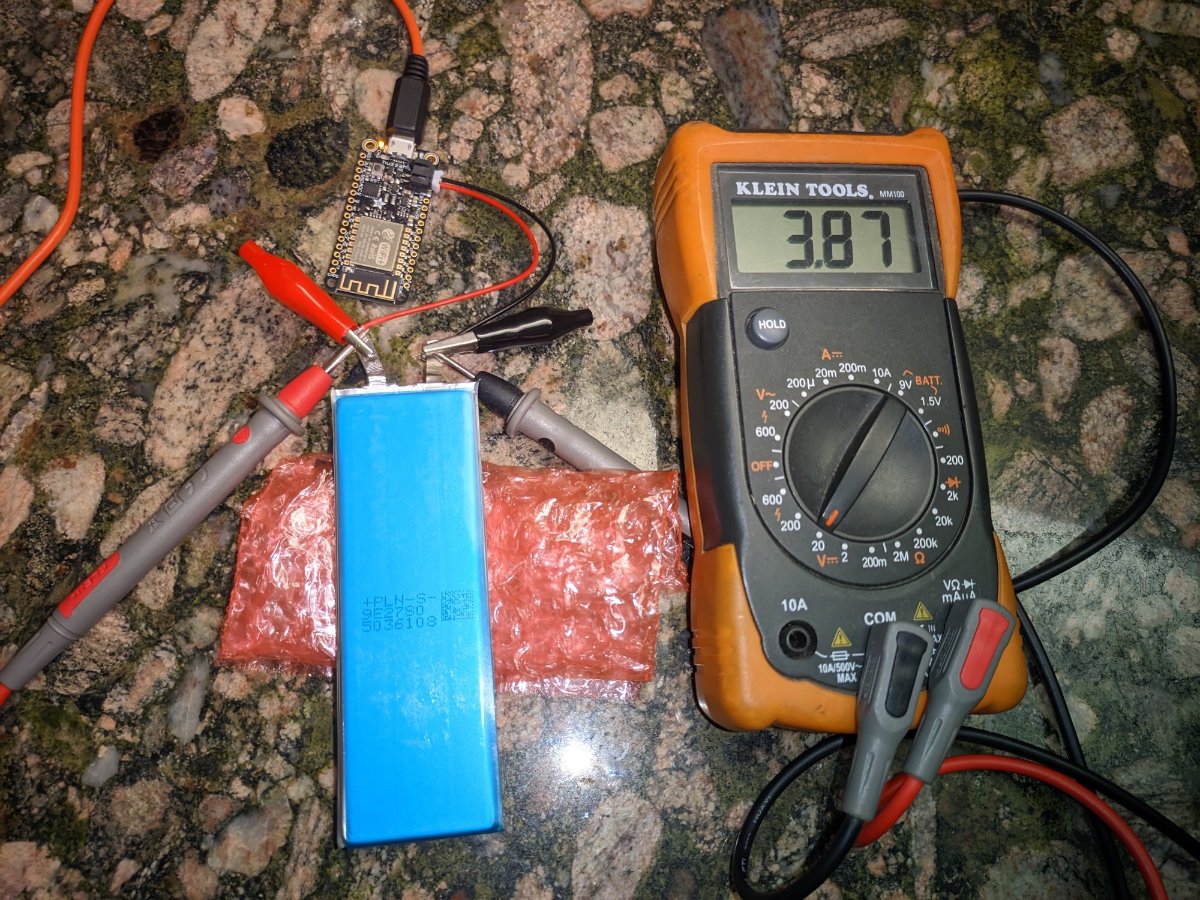
I didn't take the time to solder alligator clips onto the wires that I bought with the board (https://www.adafruit.com/product/261) yet. That made it a little tricky to get things hooked up. The 26 gauge wires are a pain to work with too.After getting the wires connected to the battery, I plugged in the connector to the board to power it on, and then plugged in the USB charger.
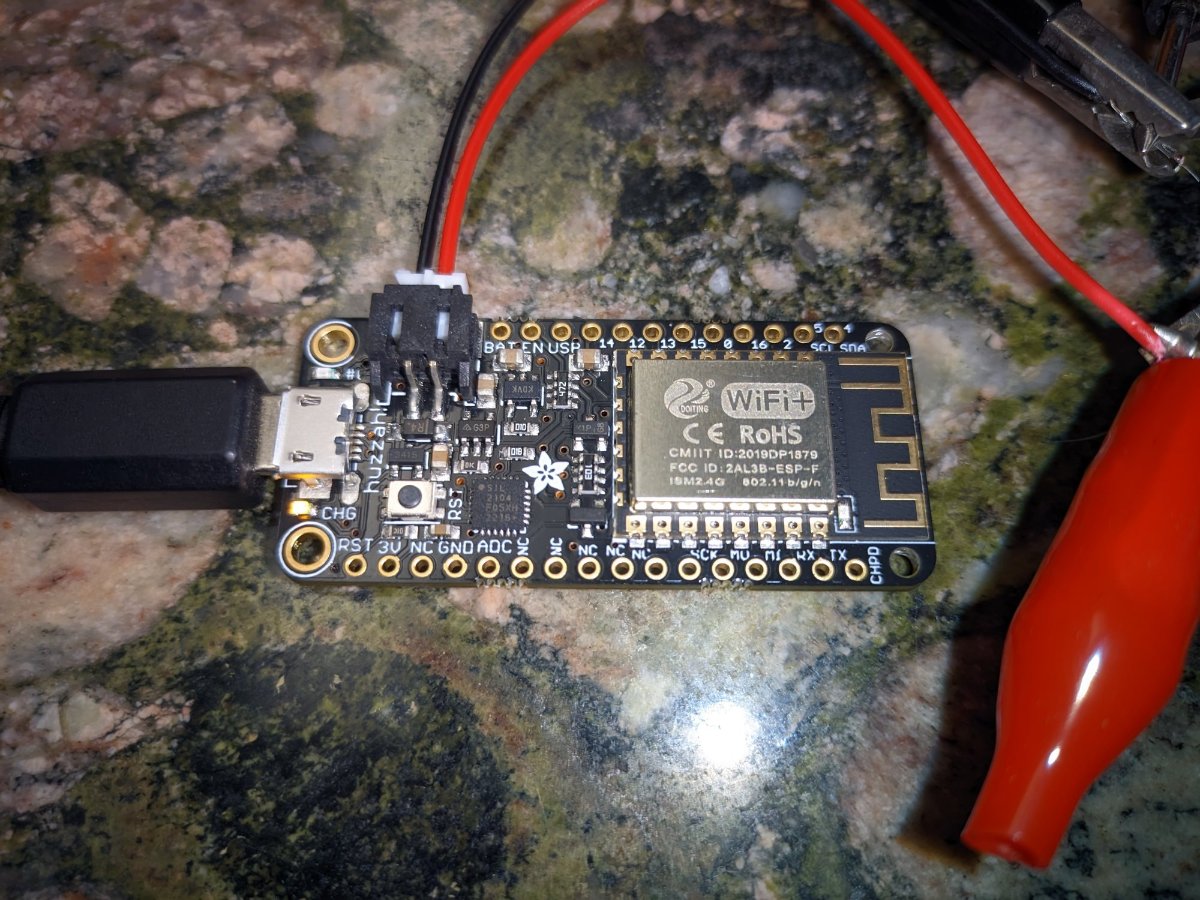
Here is a close-up of the board:
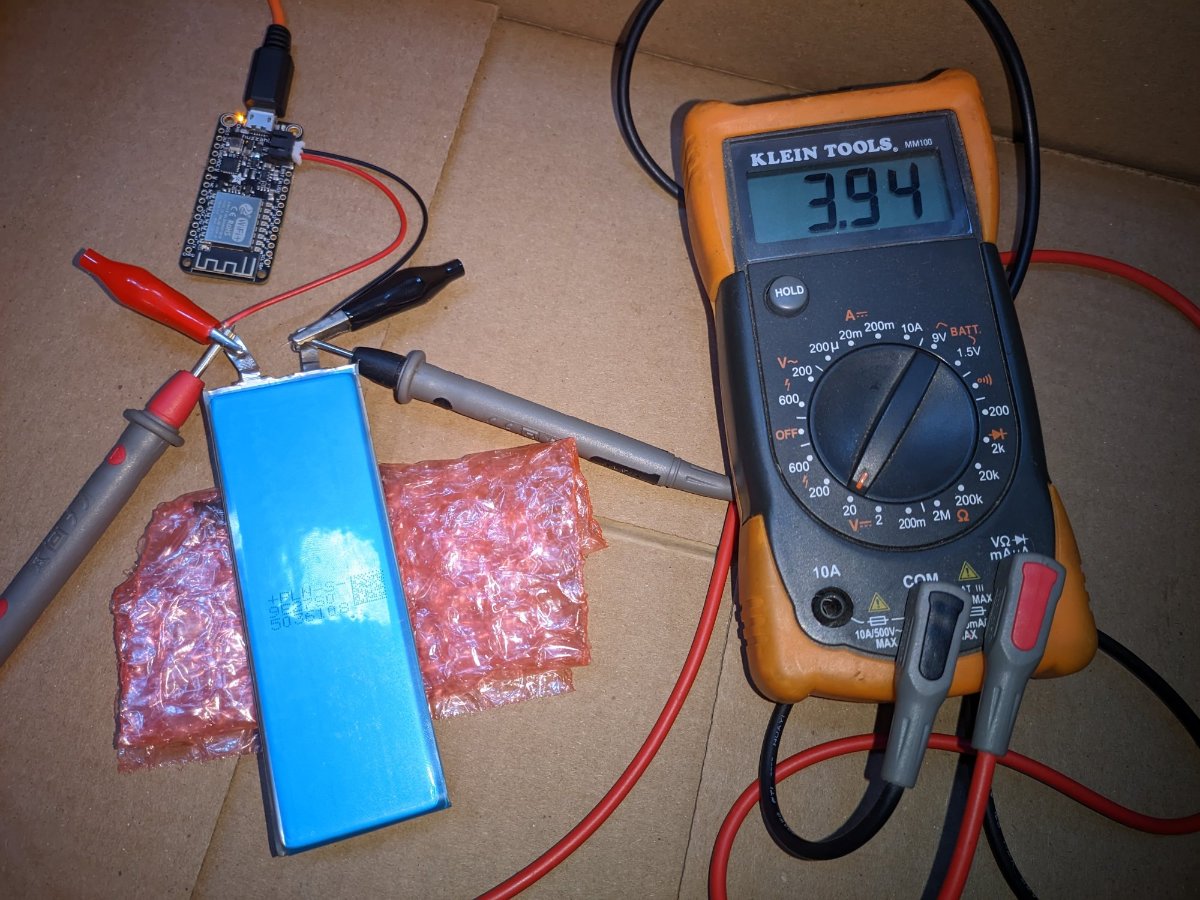
And after some time has passed, you can see the voltage has gone up from 3.87 to 3.94.
Continued in the next post.
-
2
-

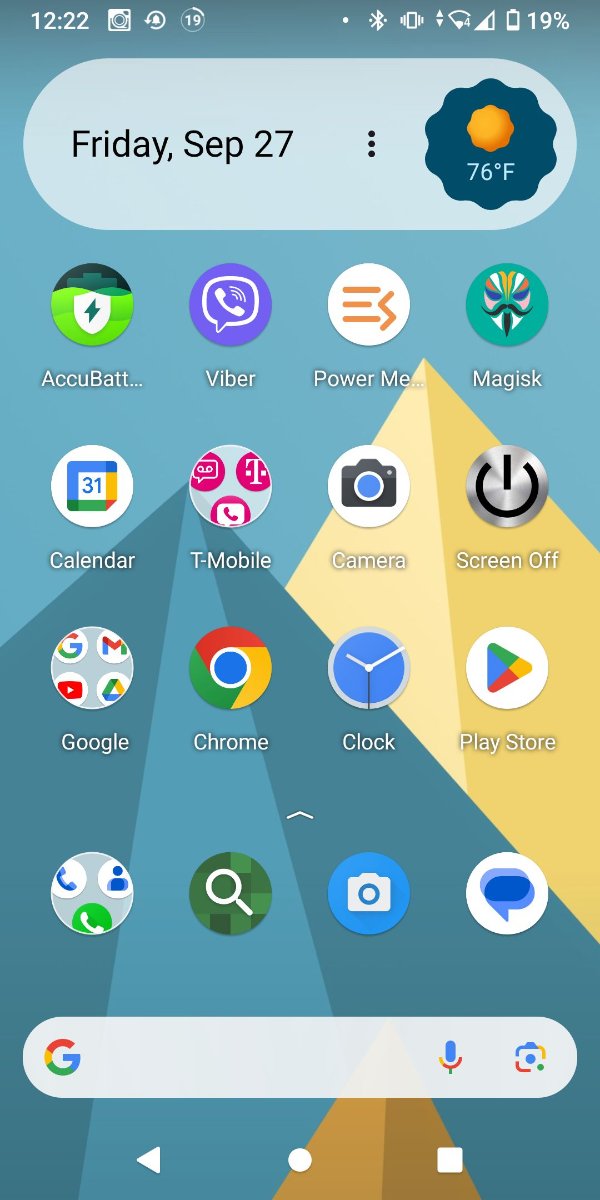
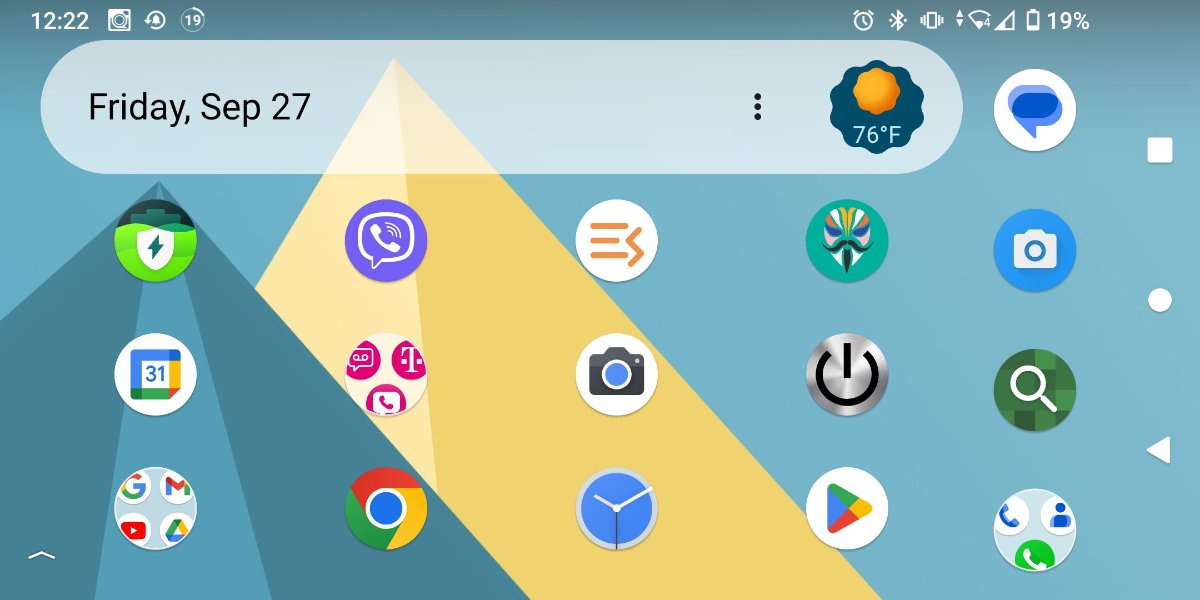
Removing Magisk by flashing OTA image on Pro1X
in General Discussion
Posted
I have had Magisk on my Pro1X since I got it (as well as my Pro1 before that). Sometime in the last year, while trying to get ChatGPT to like my phone, I tried several modules in Magisk and also tried hiding it. When I hid it, it created a shortcut on the home screen. Recently, I realized that shortcut was gone and I can no longer get into the Magisk app GUI. The phone still appears to be rooted, but all attempts to reinstall Magisk and run it have failed.
I've also tried removing all the Magisk modules through ADB and re-installing Magisk, but still no luck.
I'm hoping that I can flash the OTA image for the Pro1X and then re-do the process of rooting the phone to get Magisk back. I'm writing this to ask, as a sanity check, whether the instructions here: https://community.fxtec.com/topic/3903-pro1-x-flashing-stock-android-in-fastbootd-mode-windowsmacoslinux/?_fromLogin=1&_fromLogout=1 will leave the data on my phone or if flashing the image will wipe photos and other files on the phone.
Does anyone know for sure whether flashing the “2.1.2_ota_img.zip” with fastboot will be safe for data on the phone?
Thanks,
David